Filters used to be a big part of photography. In the age of film, they were ubiquitous. Color filters could make an image cooler or warmer, or adjust its tint. Sky filters could increase the contrast between a bright sky in dim foreground. Neutral density filters reduced image brightness. But in the digital age, filters have sadly fallen out of fashion. Who wants more glass when you can just change a dial in Lightroom? With the prominent exception of UV-cut filters, and some niche cases like ND filtering of waterfalls, filters are mainly an “artsy” gimmick, a toy for hobbyists that long outlived its need.
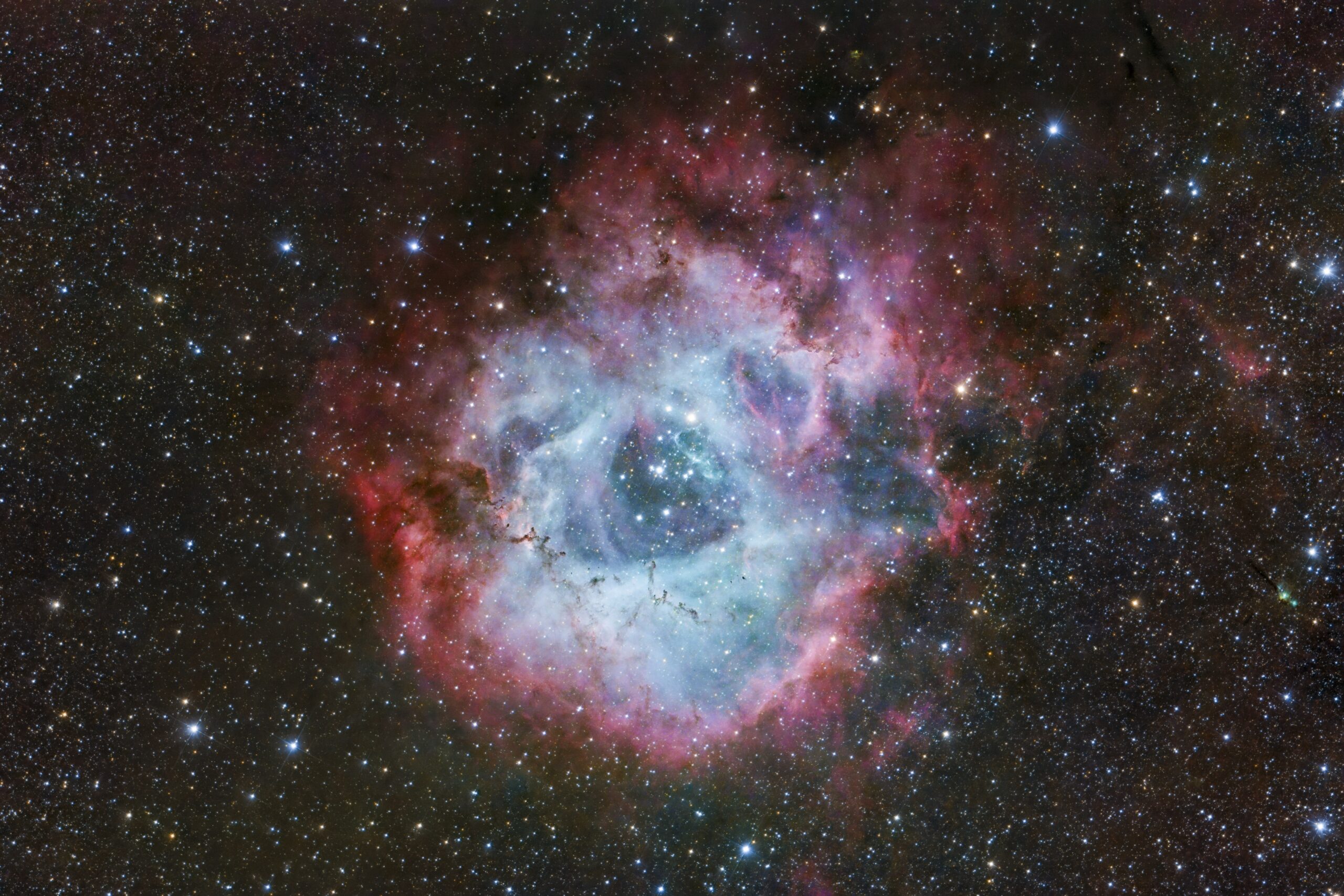
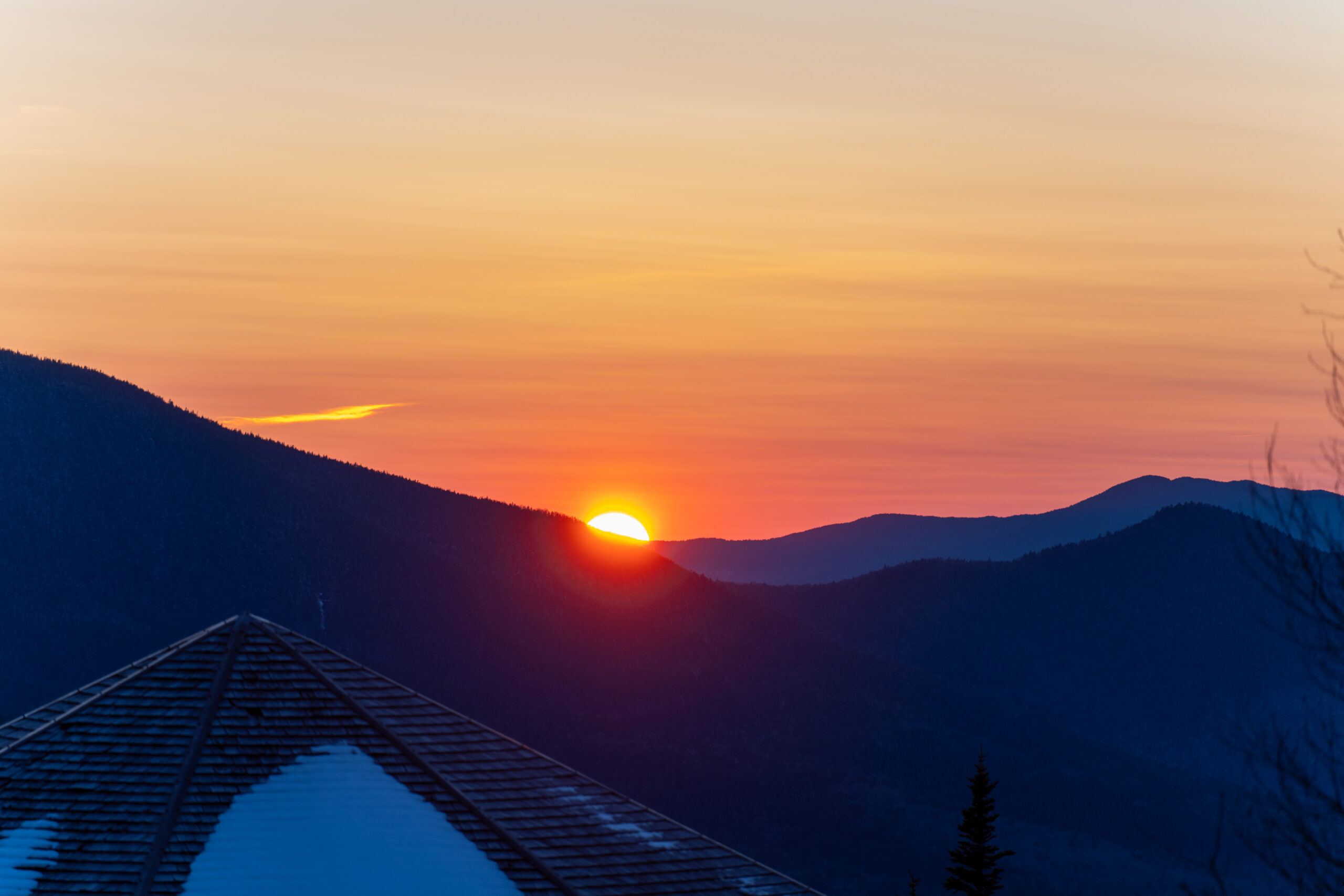
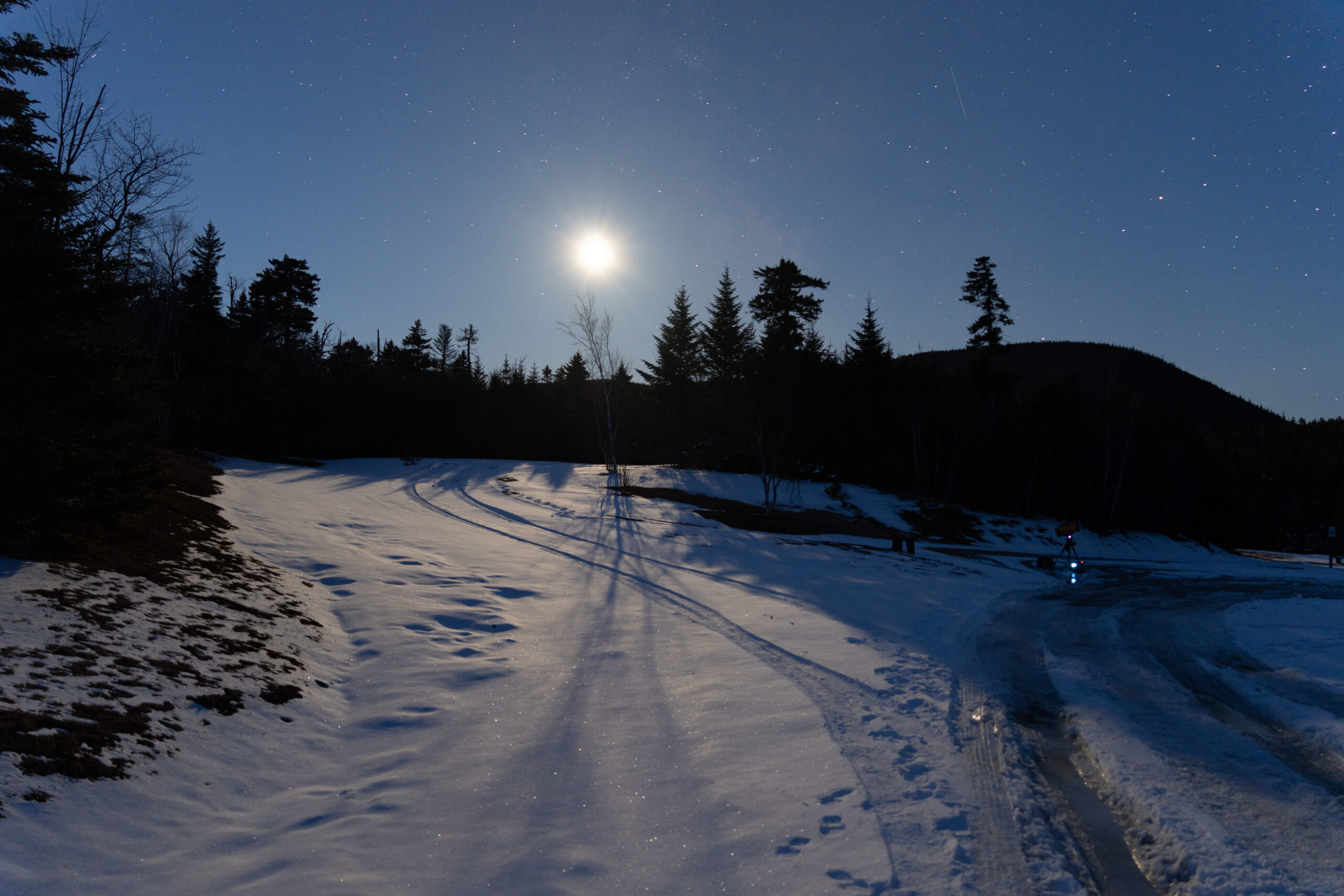
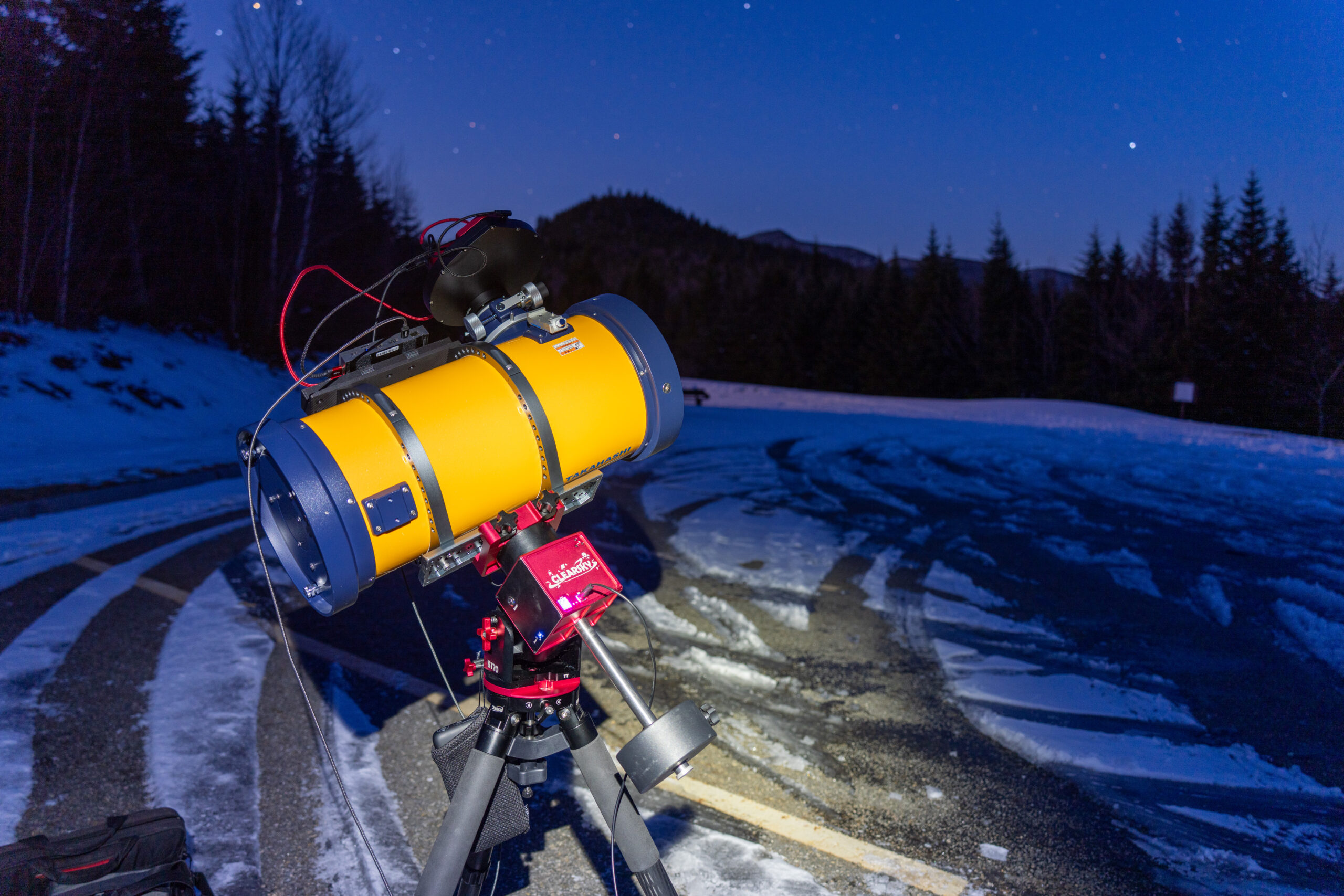
Therefore, it brings me great joy to see a real-world example of filtering that achieves an effect not easily replicable in postprocessing! This post’s photo is a perfect example: a shot of the Rosette Nebula, taken from my Sony A7RV on the Takahashi Epsilon-180ED, on a cold, clear night at Hancock Overlook.
I captured this object a month ago using the astronomy camera and the same telescope (see this post). The astro camera is “full-spectrum”, while the A7RV has an IR-cut filter over its sensor, so this gives a good example of the profound effects that filters can have on an image. Below is the LRGB image of Rosette taken with the astro camera. Same telescope, same mount, same moonless dark sky.
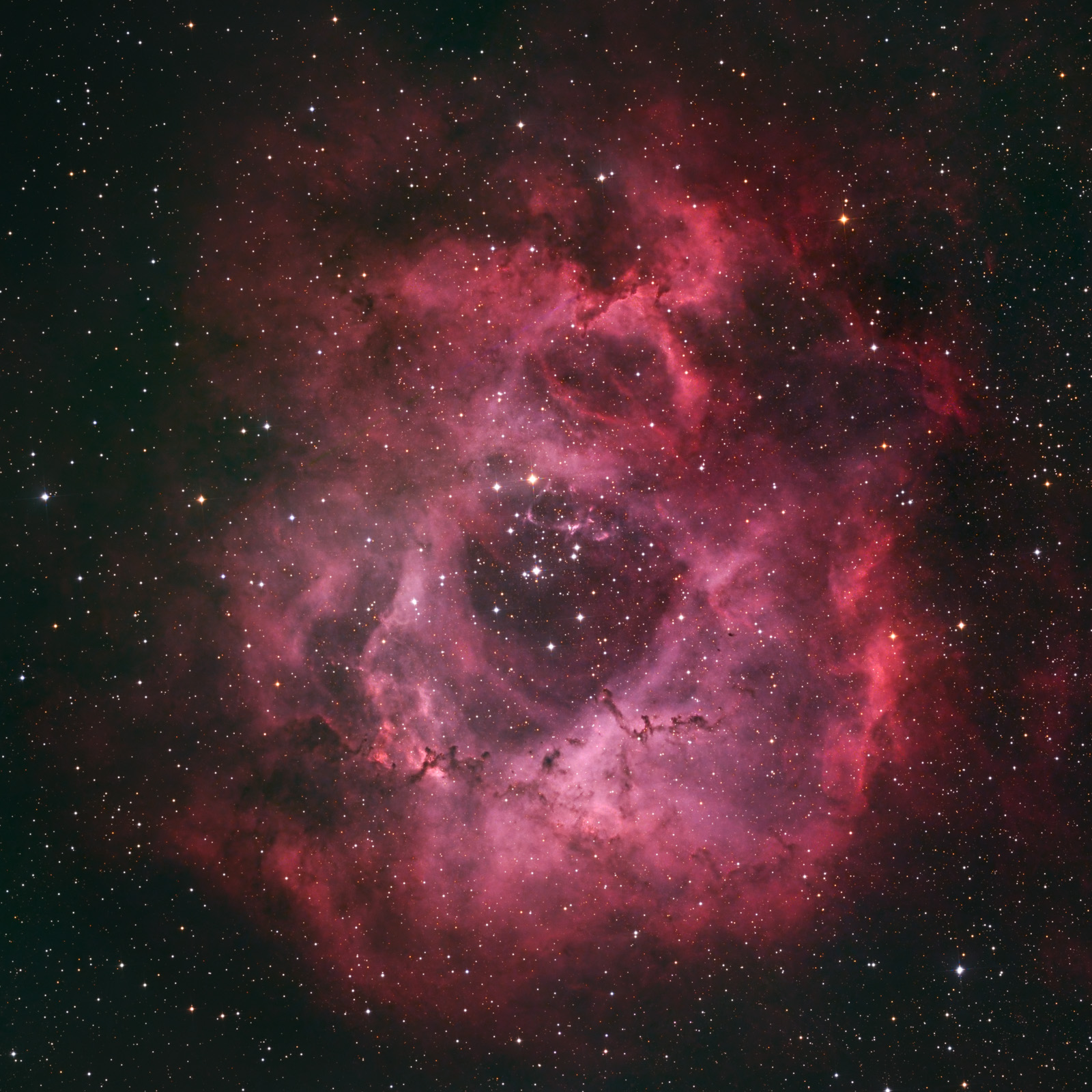
The difference is huge! Like a lot of nebulae, Rosette has red Sii and Hα in its outer regions, and blue Oiii (and maybe also dust reflection?) in the core. When well-balanced, the core shines blue and the outside glows red, like a cosmic eggshell (see my Dreyer image in this post). But for Rosette, the Hα emission is so dominant that they color the whole nebula red. Of course, it’s possible to shoot the same object through narrowband filters, as I did with SHO and HOO shown below.
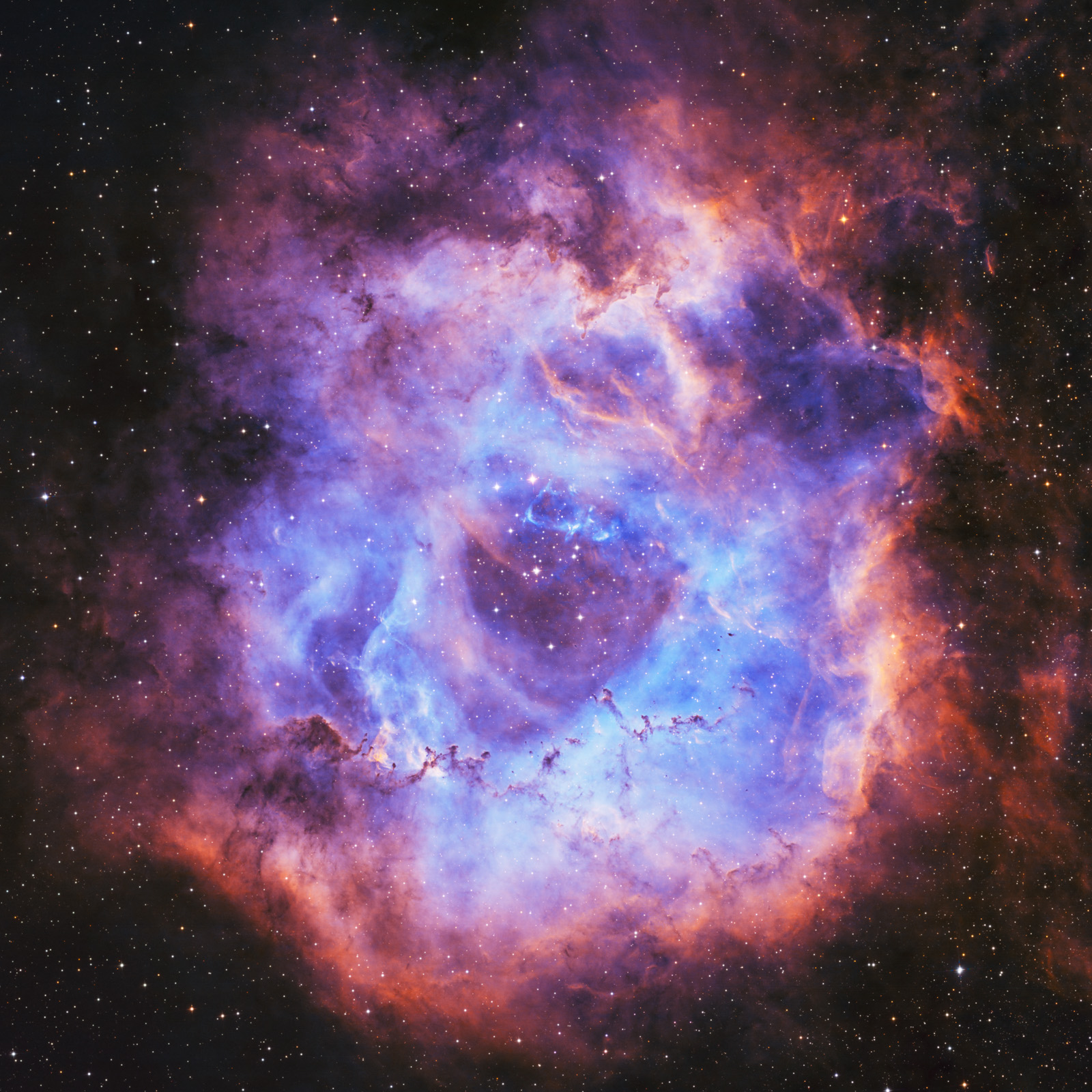
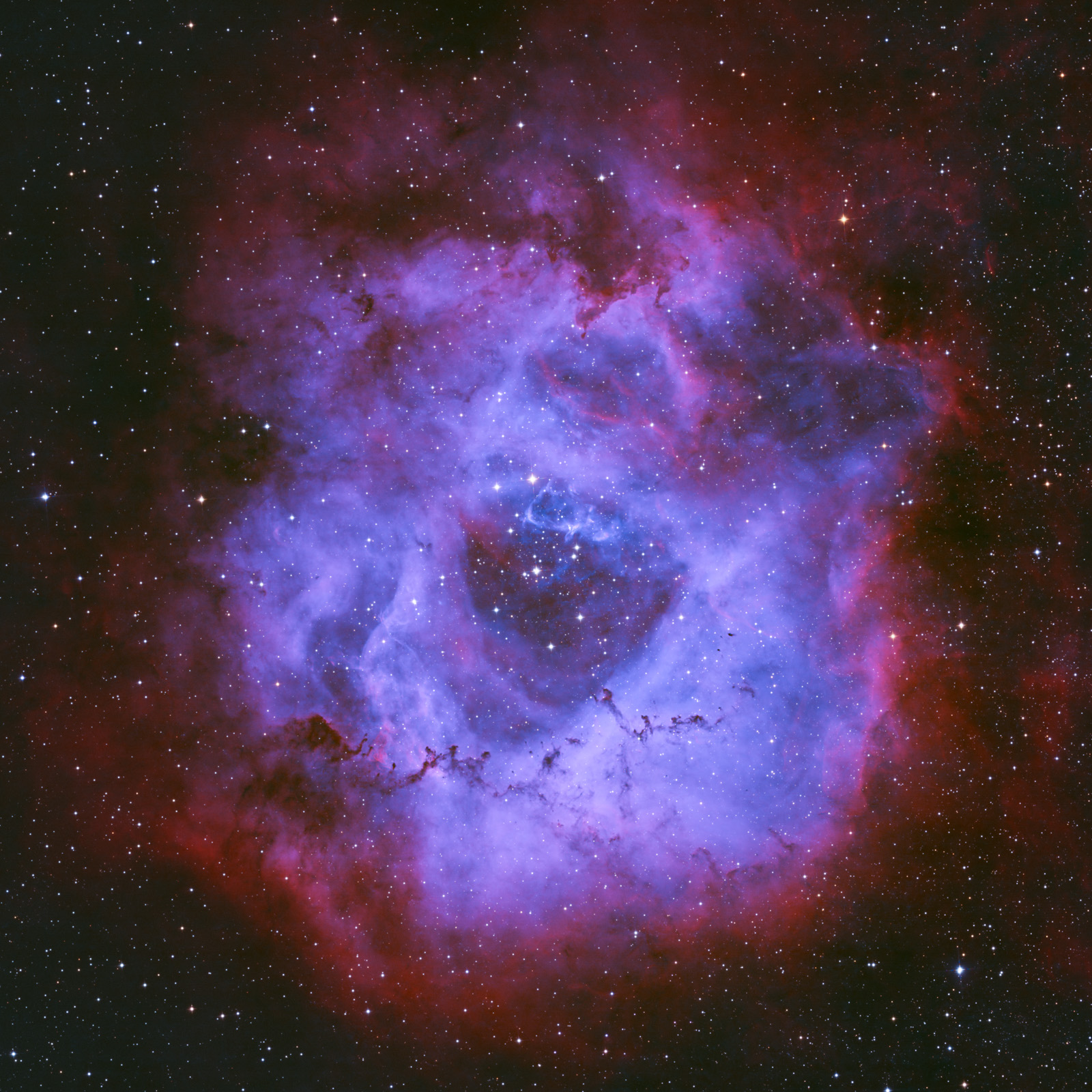
But I was never successful in replicating the same pleasing “blue-inside-red” pastel look as the Sony camera’s. The Sony camera’s rendering is really unique, and it all comes down to the IR-cut filter.
The Science of Filters
To make this more quantitative, I decided to measure the transmission spectrum of the Sony’s IR-cut filter. The correct way to do this would be with a grating spectrometer: disperse a white light source into its components using a diffraction grating, and image this grating onto the camera. This is how astronomers measure spectral lines on stars. Lacking a grating at the moment, I took a crude alternative: image flat frames through a filter wheel using both cameras, and compare the photon flux. Comparing the Sony to the astro camera, we can estimate the IR-cut transmission averaged over each optical band.
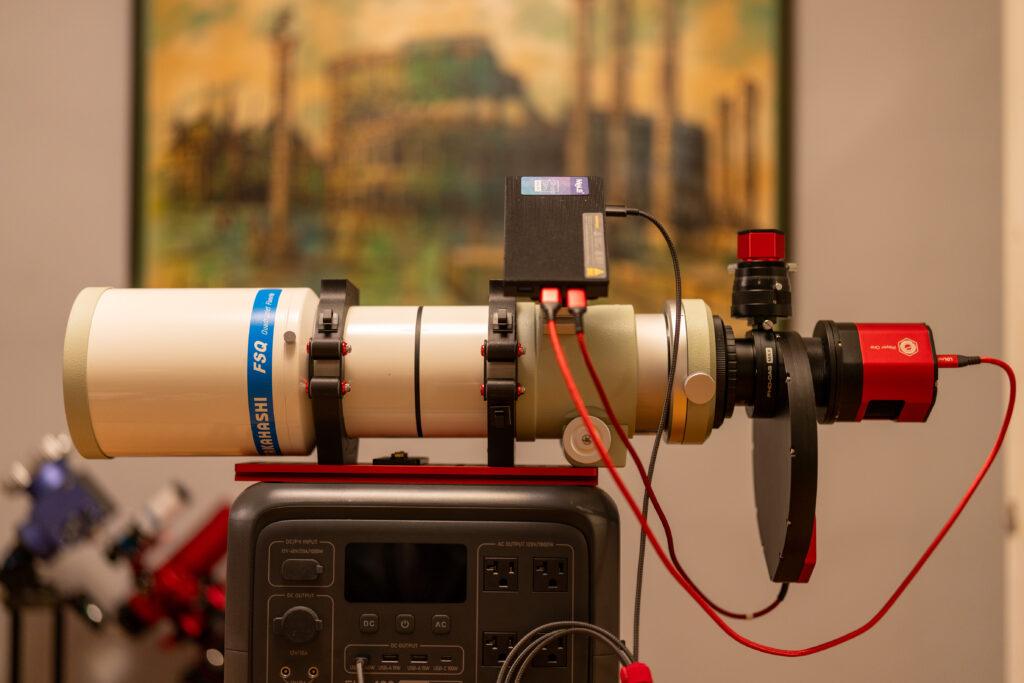
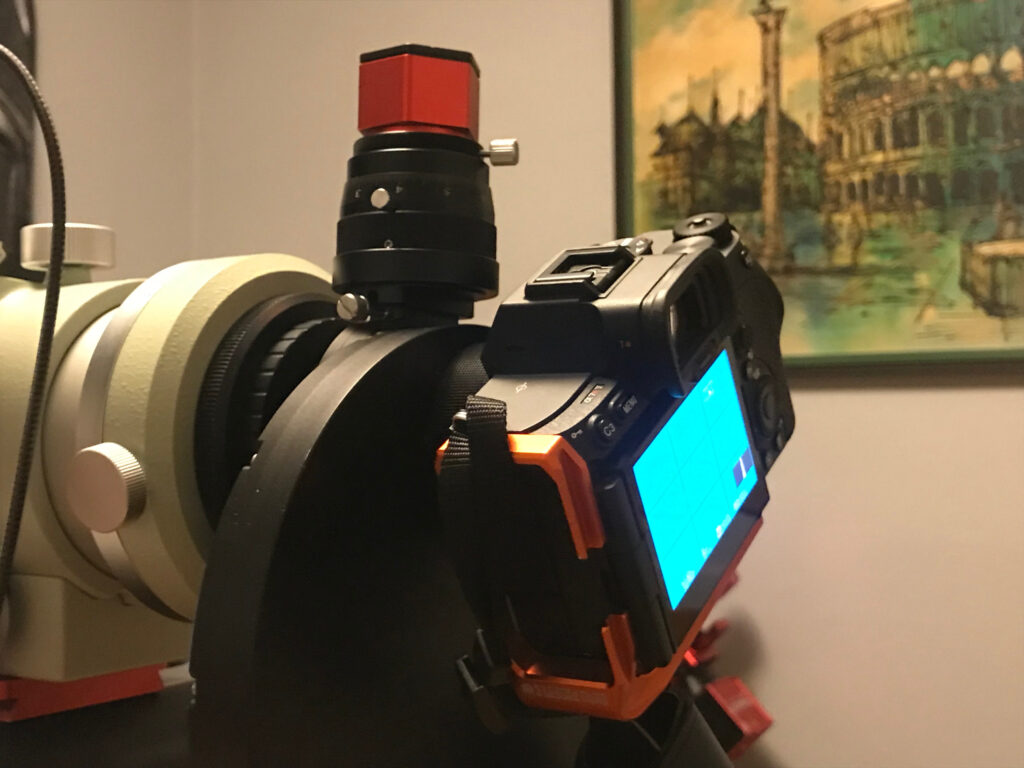
Below I show the setup of the optical train for this experiment. Like ordinary flat-frame correction, the telescope is connected to the camera and filter wheel, and care was taken to match the back-focus of both cameras cancel out vignetting effects. A flat panel (not shown) is placed in front of the telescope during actual data collection, and frames are collected for each filter wheel position.
Not surprisingly for this telescope, the Sony flats are reasonably uniform over the field of view, and colored according to the filter. The Player One flats are similar, but in mono.


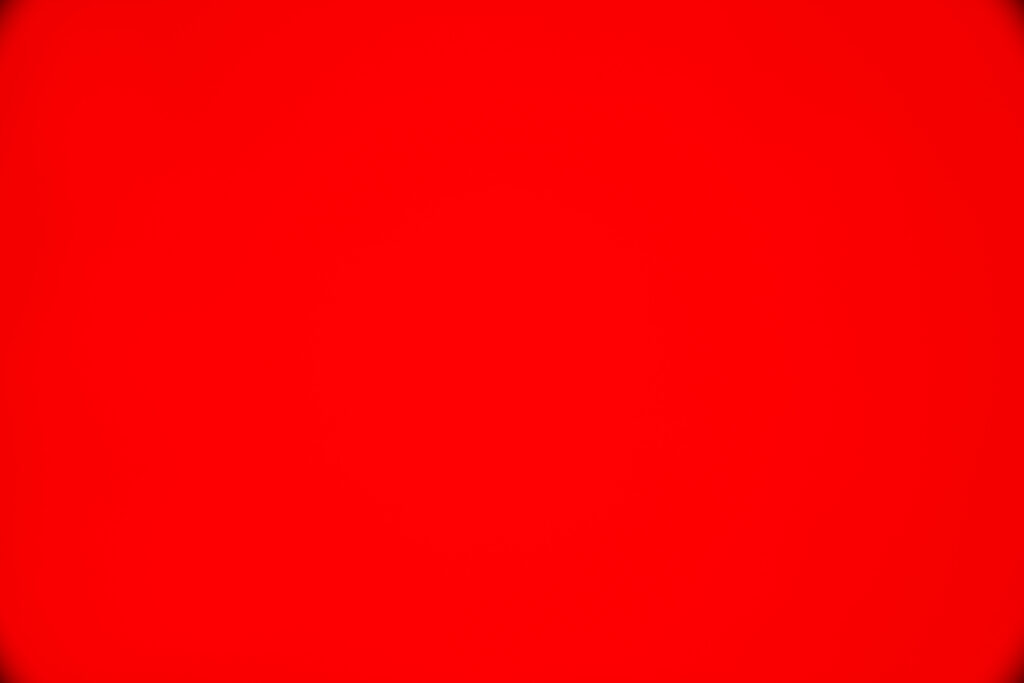
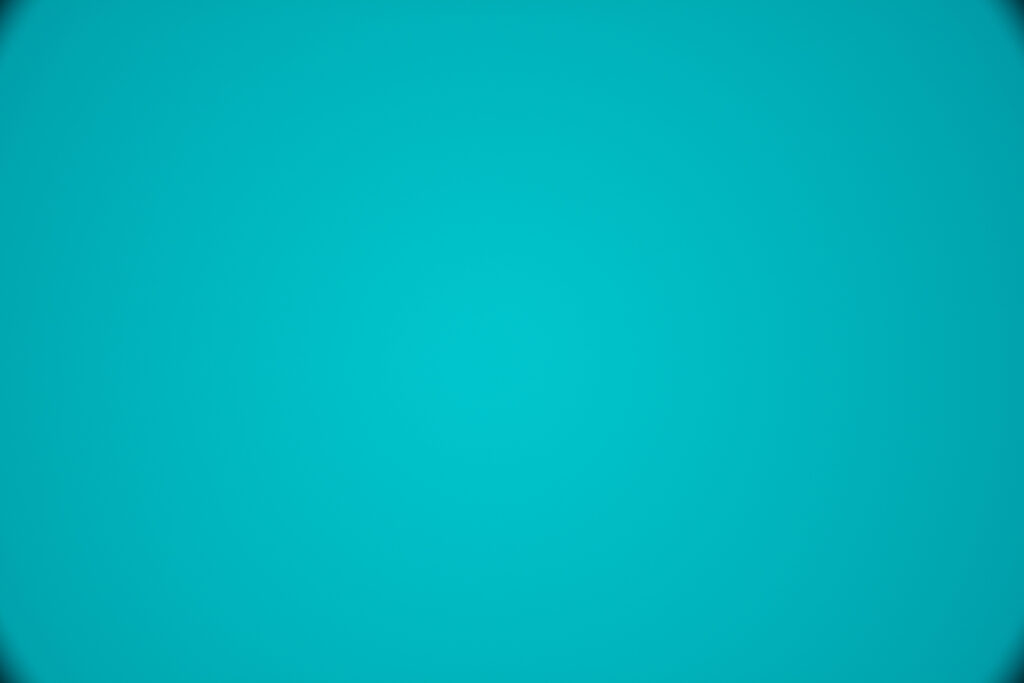
Below, I give the average pixel values in of a 200×200 center crop. Pixel values are exported with PixInsight taking into account the ADC bit depth (14-bit for Sony, 16-bit for Player One). Flux is obtained from brightness and exposure time using data from the Player One manual (0.25 e-/ADU) and photonstophotos.net (0.86 e-/ADU), and the estimated Sony pedestal of 128 ADU.
Sony A7RV
Player One Zeus
Assuming that the spectra of the RGB Bayer filters line up with the RGB filter-wheel filters (an important assumption, but probably close), we can divide the appropriate Sony values (R pixels on R filter, etc.) to obtain the transmission spectrum:
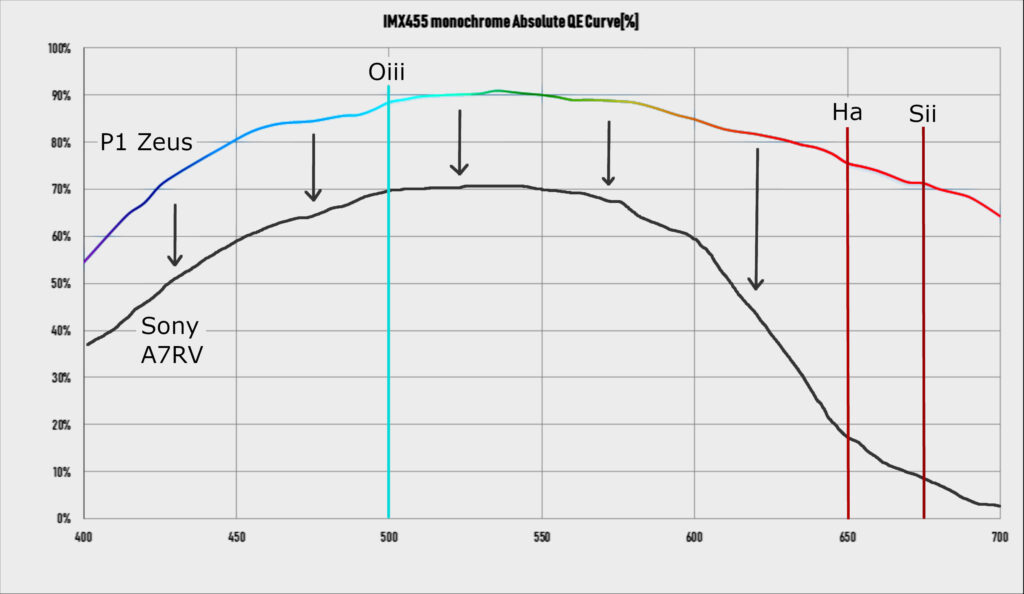
G- and B-channel transmissions are well within expectation. Multiplying by the Zeus’ visible-band QE of 80-90%, one finds 60-70% total QE for the Sony, not too far from public estimates. The same is true for Oiii transmission, which is 84% through the green channel (Oiii is blue-green and also excites the blue pixels, but to a lesser extent). The R-channel transmission is low, but I think that the flat panel may have a large amount of near-infrared, which gets filtered by the Sony.
Most relevant to this post, Hα transmission is only 20%, or a 5x attenuation. And Sii is attenuated by 10x! It is this long-wavelength filtering, which attenuates the nebula’s outer structure while keeping the remainder of red light intact, that leads to the Sony’s striking result.
Importantly, the IR-cut filter suppresses some red light, but not uniformly. The deep-red emissions of nebulae are strongly reduced. Star colors, reflection from dust, and that cloud of imperceptibly small stars that makes up the Milky Way — these are not affected as much. Because of this, it is not possible to emulate the effect of this filter in post-processing. Post-processing can change the brightness of reds, greens or blues, but it cannot distinguish one kind of “red” from another. That data is lost when the light hits the detector. A rare case in digital photography where filters matter!
Below are four more examples of photos taken with consumer mirrorless cameras (both Canon R6ii and Sony A7RV). These were all done when traveling, to varying degrees of success (mostly without proper guiding) when I used the mirrorless in place of an astronomy camera. The IR-cut filter affects them all to differing degrees: the Lagoon nebula is more purple (compare to this post), Orion becomes blue (vs. red-pink), Rosette becomes red-blue, and the deep-red Auriga nebulae (most striking in my opinion) turn bluish-green.
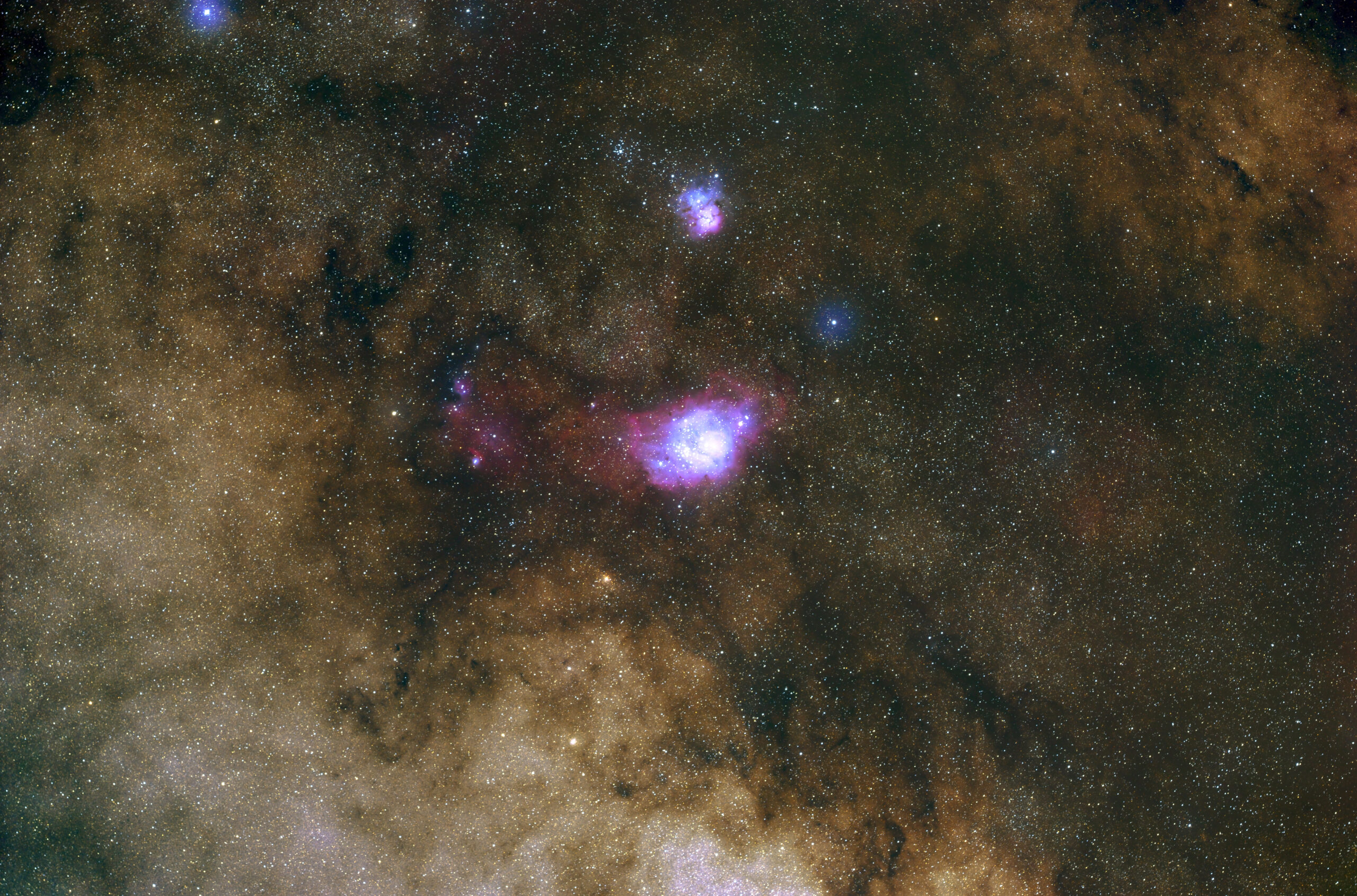
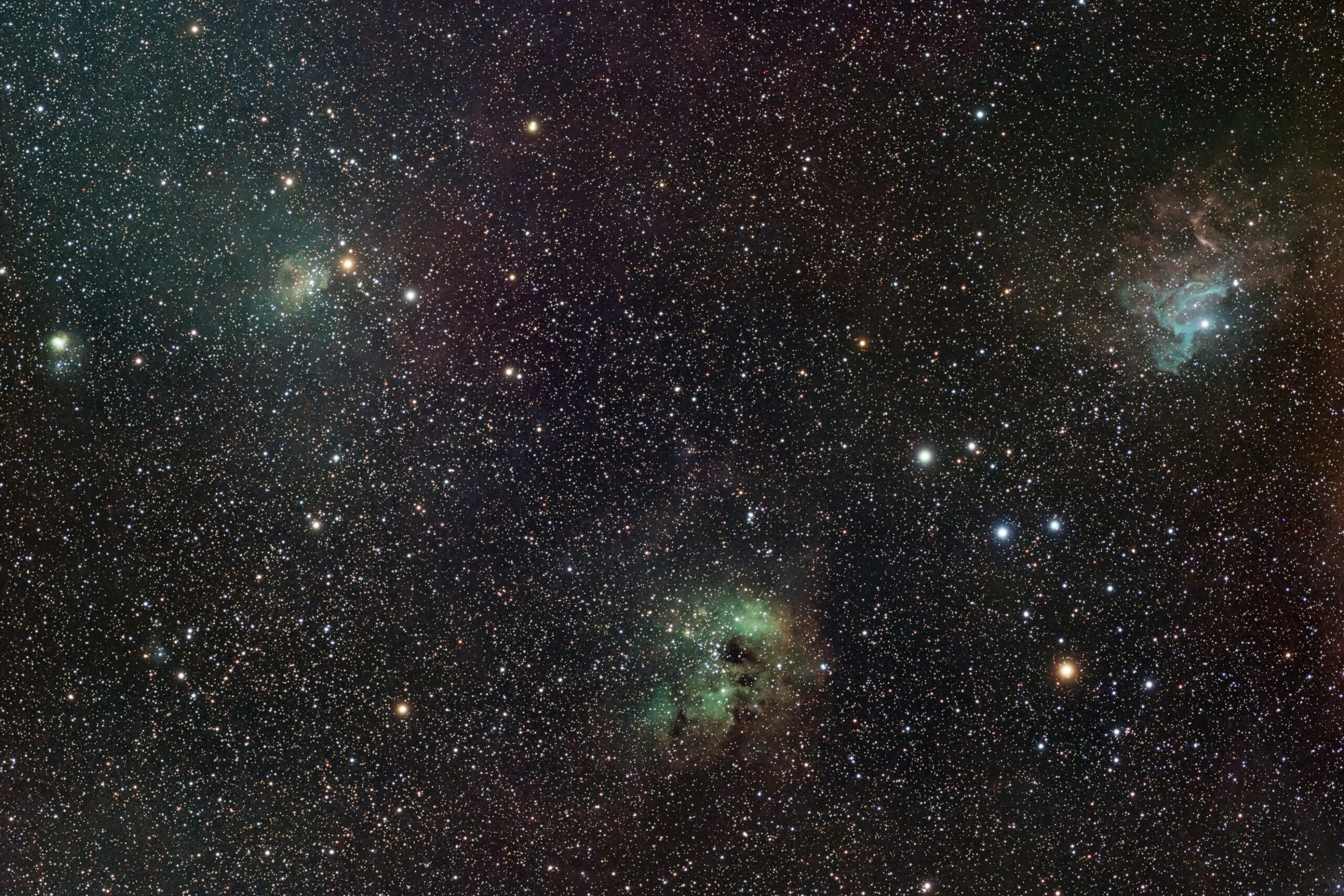
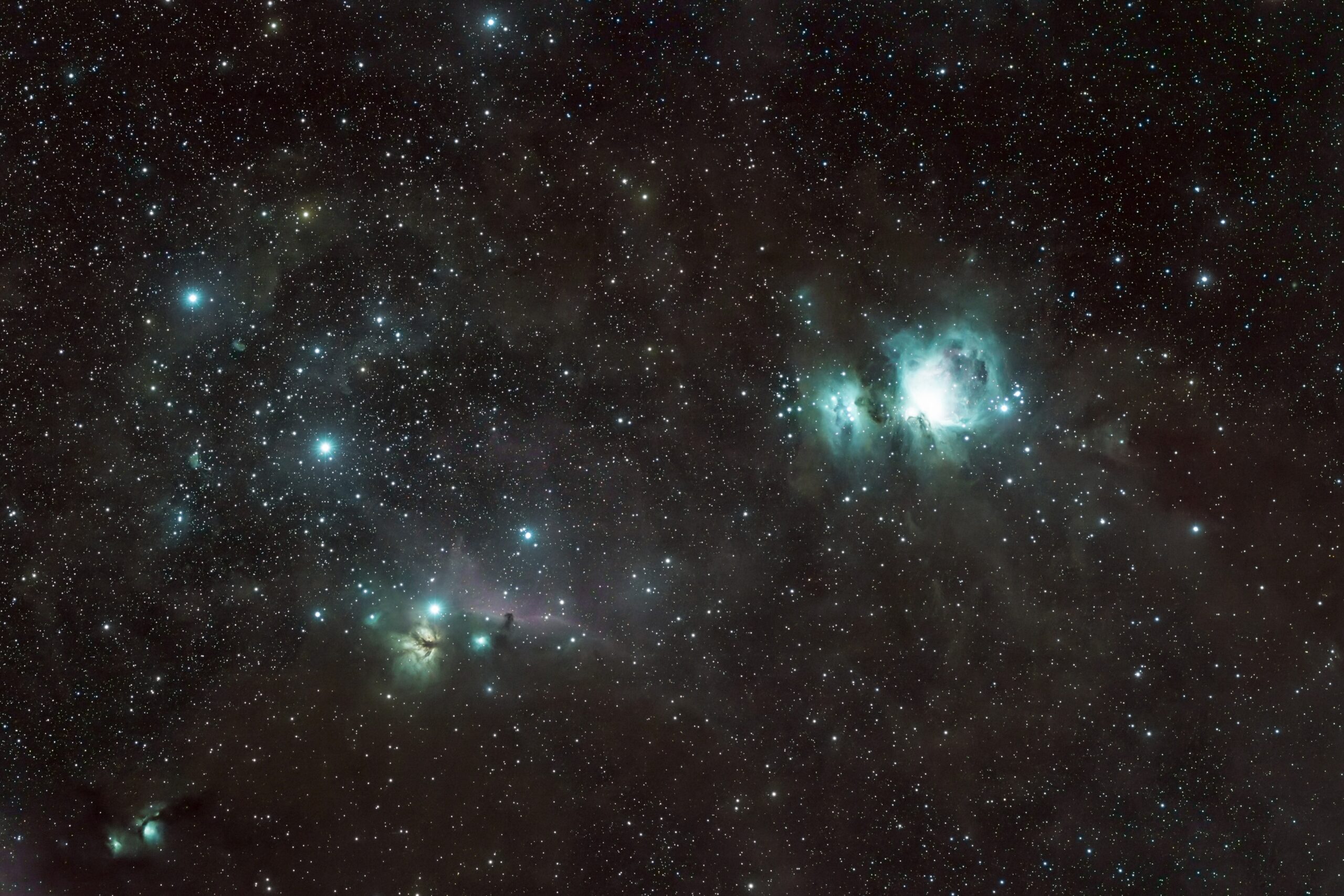
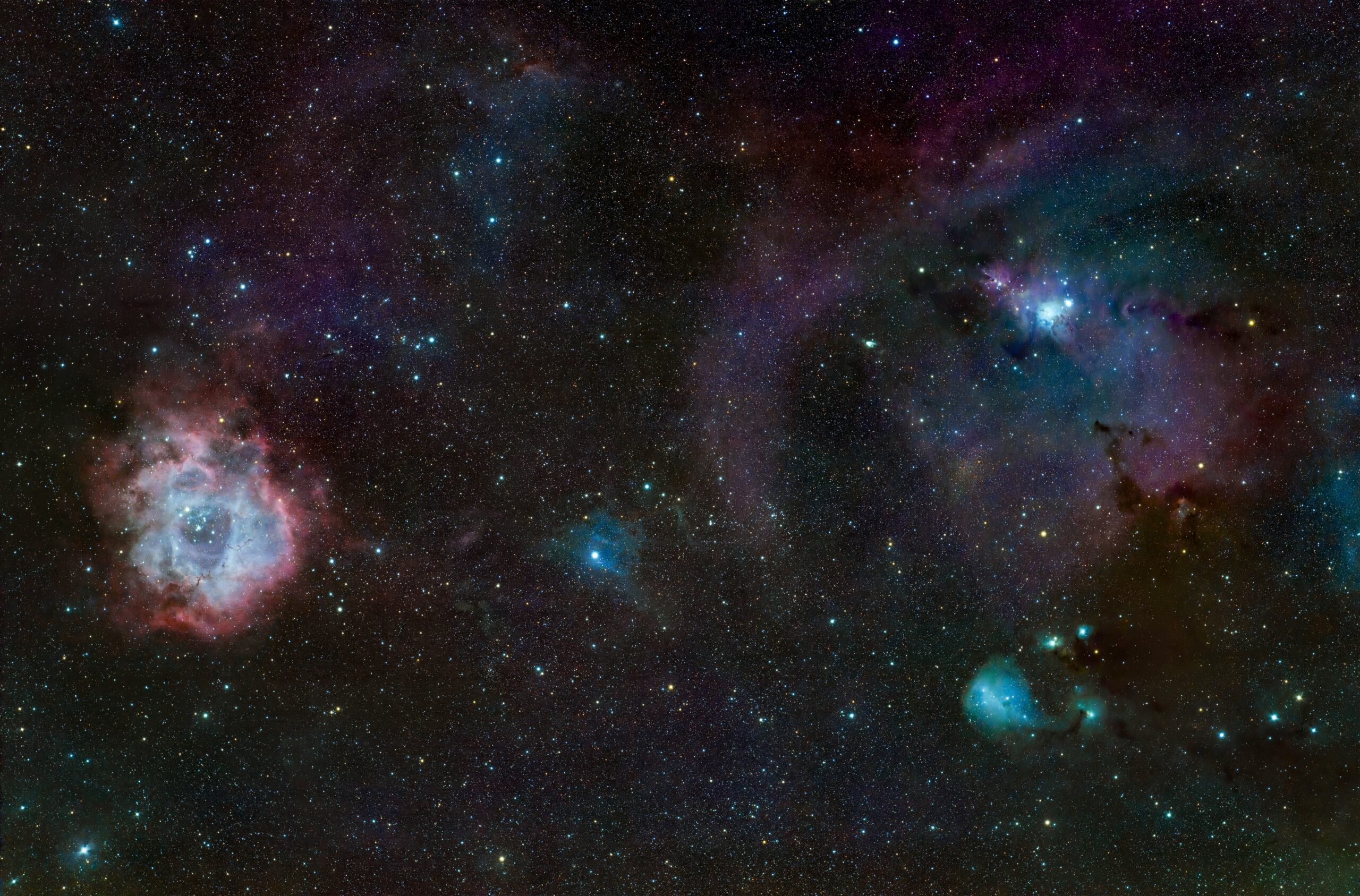
Actually, it was the last picture that inspired me to take a second shot of Rosette with the Sony. Some objects shine with an IR-cut filter while others are just mediocre, but the Rosette was clearly a winner. One a clear weekend, I should attempt a survey with a wide-field lens (mosaic of 50mm f/1.4, for instance) to get a good idea of how all night-sky objects render under this filter. Then I can pick the best ones and zoom in!